
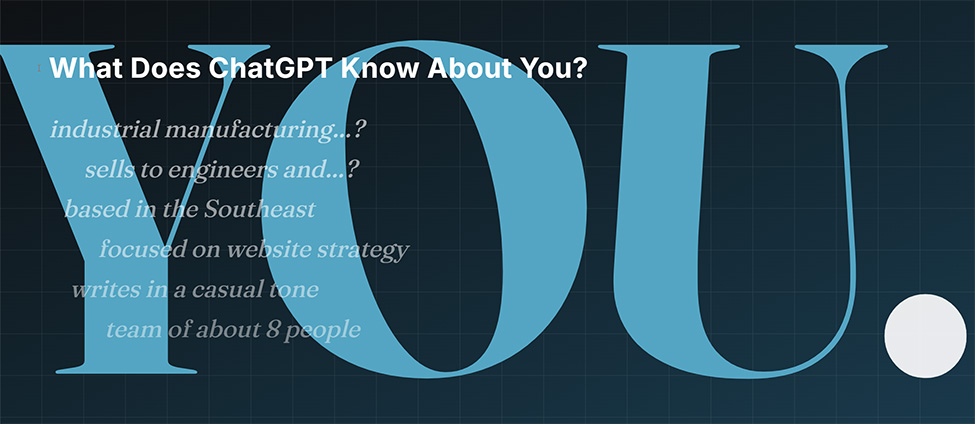
Most business owners using ChatGPT regularly have never stopped to ask a straightforward question: what does this tool actually think it knows about me — and is it right?
Not from a privacy standpoint. From a practical one.
Every time you’ve used ChatGPT — asking it to rewrite a proposal, draft an email, help you think through a problem — it’s been forming a picture of your role, your business, and the way you like to work. Some of what it’s pieced together is accurate. Some is outdated. Some is just a guess it made early on that never got corrected.
When those assumptions are off, your output is off too. Not obviously wrong — just a little flat, a little generic, requiring more editing than it should.
A recent Wall Street Journal piece touched on this by asking AI a basic question: “What do you remember about me?” That’s a fine starting point, but it’s not the most useful frame. The better question is whether the context ChatGPT is using is actually accurate enough to help you do better work.
Here are three prompts that help you find out.
Prompt 01
Get the full inventory
What do you think you know about me? Break it into four categories: facts I’ve told you directly, preferences you’ve inferred, patterns you’ve noticed in how I work, and assumptions you may be making that could be wrong.
Start here. The goal is to separate what the tool actually knows from what it’s filling in on its own. Most people assume AI is working from solid context. Often it’s working from a mix of direct input and educated guesses — and until you ask, you can’t tell which is which.
Prompt 02
Check its picture of your business
Summarize what you know about my business: the industry I’m in, the customers I serve, the problems I help solve, what makes us different, and what I’m focused on right now. Flag anything you’re uncertain about.
For most business owners, this is the most important prompt of the three. If ChatGPT has an incomplete or outdated picture of your business, that affects everything it helps you produce — website copy, emails, proposals, strategy input. Before you ask it to help you do better work, make sure it understands the basics.
Prompt 03
Ask where it may be getting you wrong
Where is your understanding of me or my business weakest? What do you think you may be assuming rather than actually knowing?
Asking a tool to critique its own understanding feels counterintuitive, but it’s often the most productive prompt of the three. Weak output usually traces back to weak assumptions that never got challenged. If AI has been guessing wrong about your industry, your customers, or your priorities, you can spend a lot of time editing around the symptom without ever fixing the root cause.
When something’s off, correct it directly
Don’t work around it. Say it plainly:
“That’s not accurate — here’s what’s true.”
“You’re describing the wrong audience. We work with industrial manufacturers, not consumer brands.”
“That priority is outdated. Here’s what I’m focused on now.”
The clearer you are, the more useful the tool becomes. If you want those corrections to stick across future sessions, go to Settings → Personalization → Memory and add them there.
The bottom line
Better context produces better output. If you’re using AI regularly for writing, strategy, or client work, it’s worth ten minutes to check whether the tool is working from an accurate picture of your business — or from a set of assumptions that have never been tested. Most people skip this step entirely. That’s usually why the outputs feel like they need more work than they should.